Print · a look in liminal.repair
Turn photos into ASCII art, free
ASCII art maps brightness to characters — a dense glyph where the image is dark, a sparse one where it is light. It began as a way to make pictures on printers and terminals that could only output text, and it still reads as pure early-computer aesthetic.
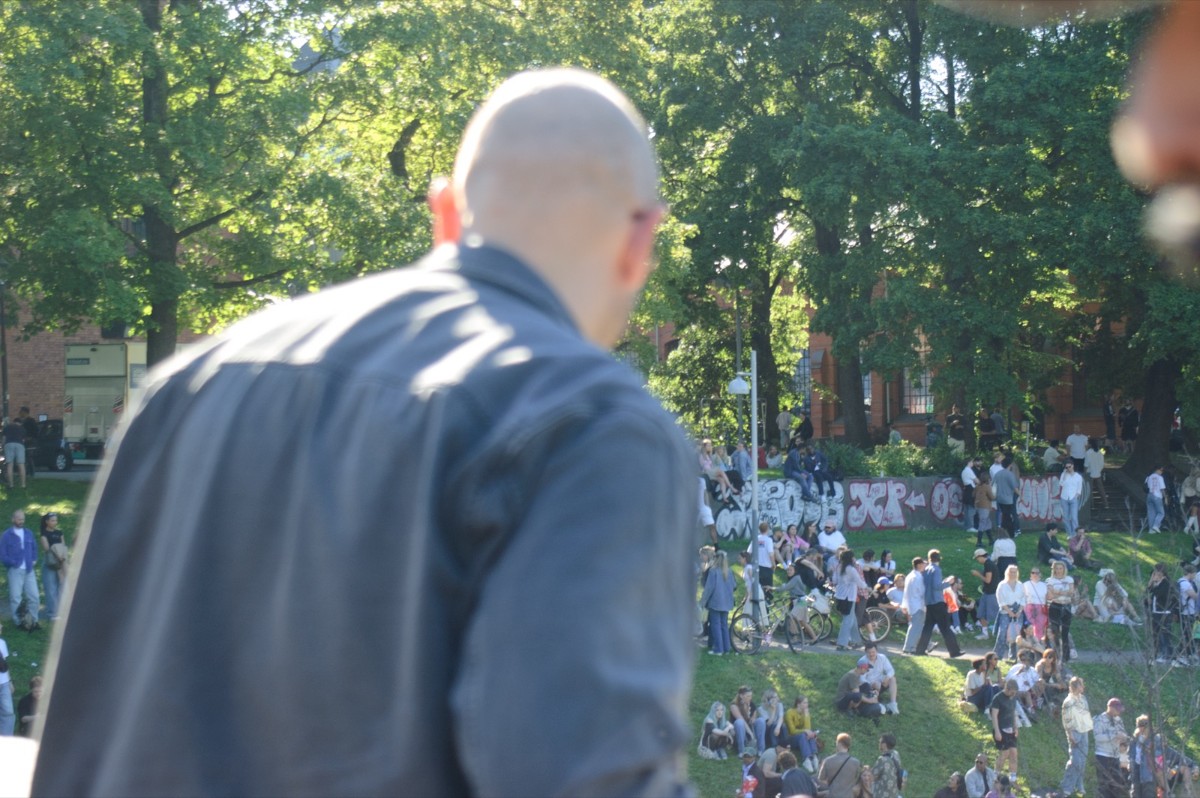
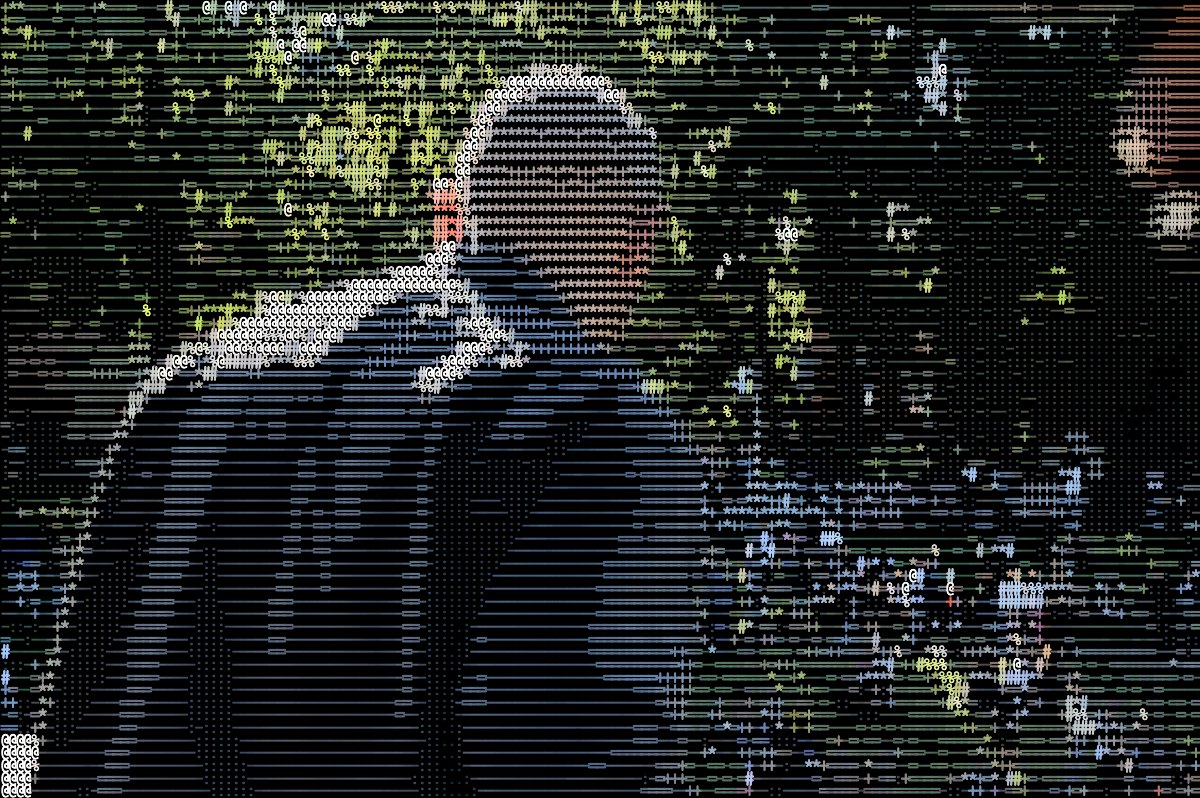 beforeafter
Free · no sign-up · runs in your browser — your photo is never uploaded.
This converter samples your photo on a grid and picks a character per cell by luminance, in monochrome or keeping the original colours.
How to use it
- Open the ASCII tool and load a photo.
- Set the character Size — smaller cells preserve more detail, larger cells are more abstract.
- Switch between Mono and Colour output.
- Export as an image at full resolution.
Tips
- Faces and simple silhouettes stay recognisable at larger cell sizes.
- Mono output on a dark background is the classic terminal look.
Shot with ASCII on Explore
Cameras built on it — open one and it loads onto your own photo.
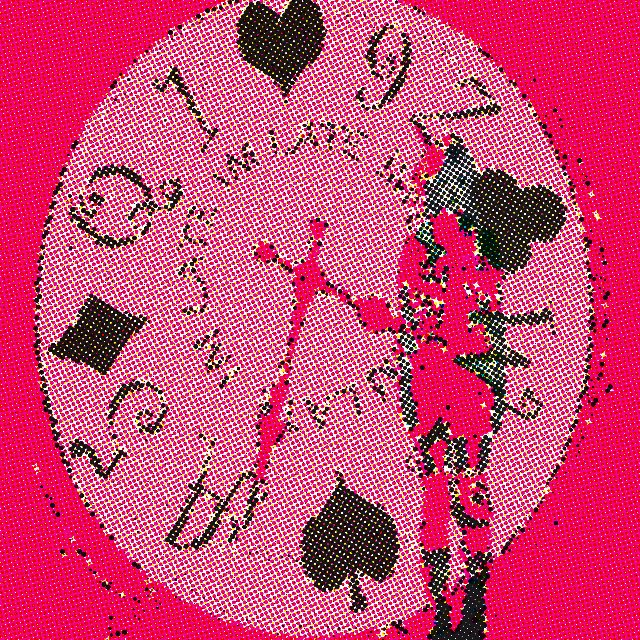 kjhgfdshjkl @kiye · used 146×
 a @4gxxr · used 12×
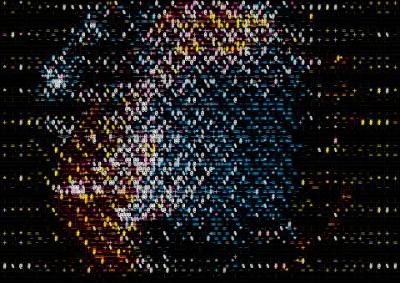 2 @Shiva · used 2×
FAQ
How do I convert a photo to ASCII art?
Sample the image on a grid and replace each cell with a character chosen by brightness. This tool does it automatically with adjustable size and colour.
Is it free?
Yes, free with no account, and your image never leaves your device.