Lens · a look in liminal.repair
Add chromatic aberration to your photos, free
Real lenses cannot focus every wavelength at exactly the same point, so colour fringes appear toward the edges of a frame — cyan and magenta halos along high-contrast lines. Photographers usually correct it; artists exaggerate it.
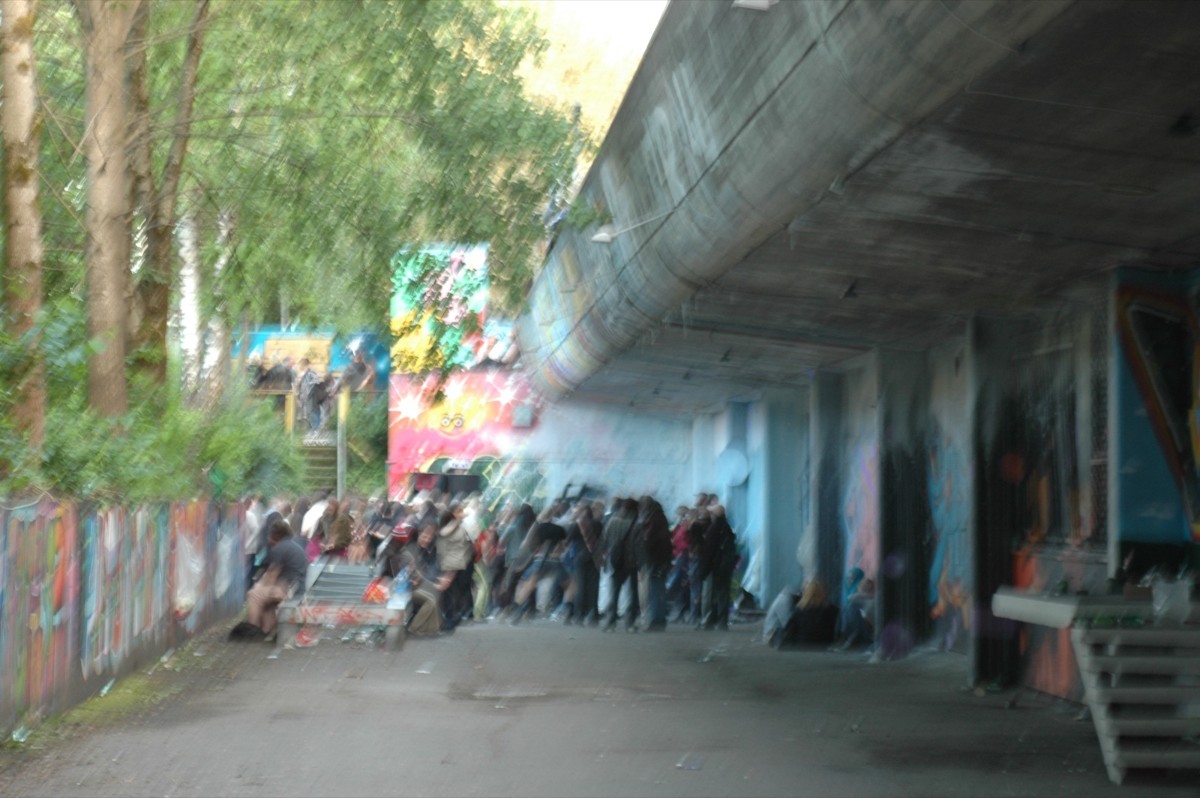
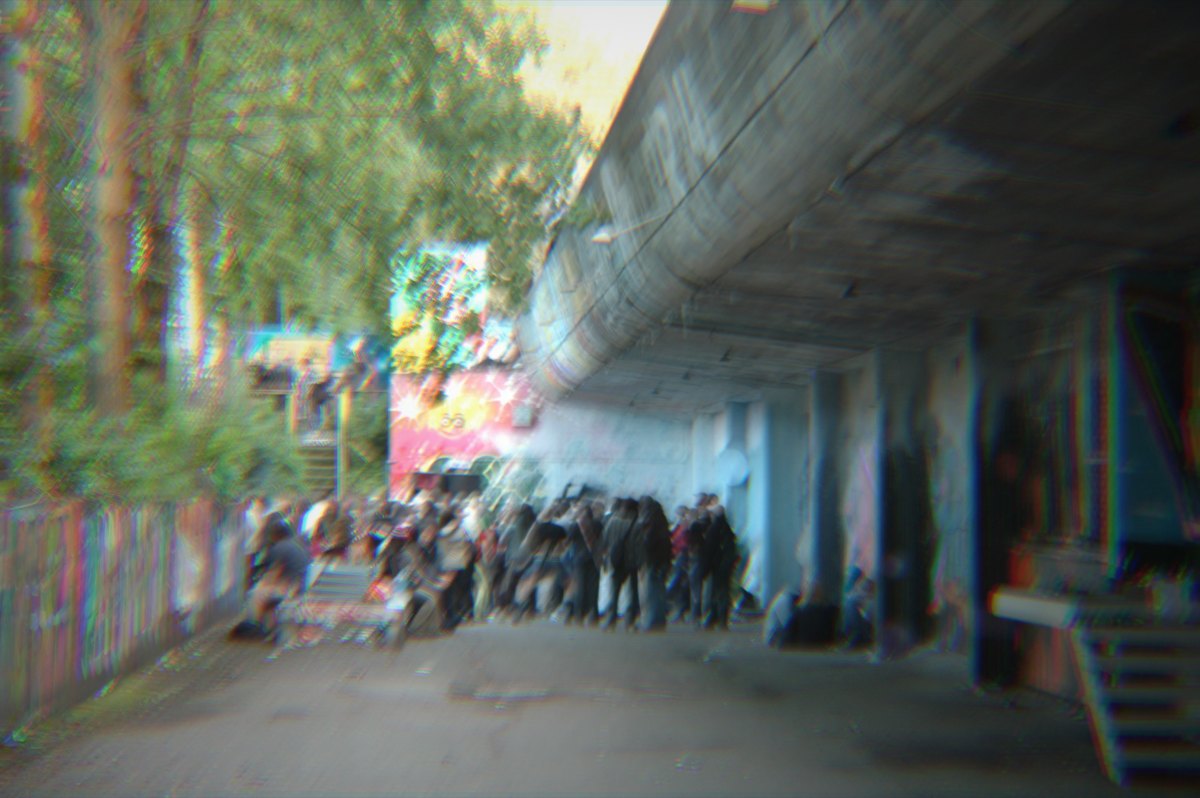 beforeafter
Free · no sign-up · runs in your browser — your photo is never uploaded.
This tool separates the red, green and blue channels either radially, mimicking a real lens, or linearly along an angle you choose, which reads as digital glitch rather than optical error.
How to use it
- Open the chromatic aberration tool and load a photo.
- Choose Radial for a lens-like falloff from the centre, or Linear for a uniform directional split.
- Raise Shift for stronger separation, and set the angle for linear mode.
- Export when it looks right.
Tips
- Subtle shift (2–5) reads as an authentic lens; heavy shift reads as glitch.
- Radial mode suits portraits and landscapes; linear suits graphic, glitchy work.
- Excellent stacked with pixel sort or VHS.
Shot with Chromatic Aberration on Explore
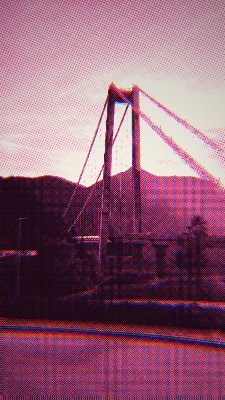
Cameras built on it — open one and it loads onto your own photo.
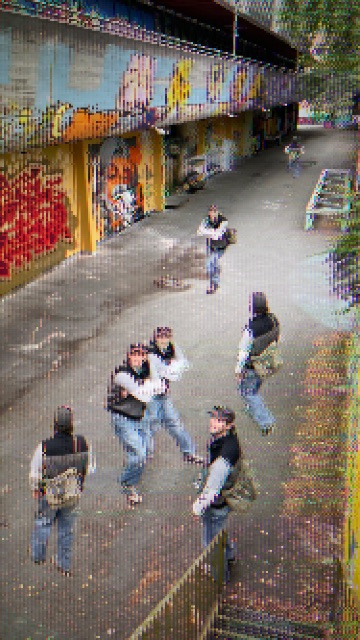 8-BIT @AliCat · used 67×
FAQ
What is chromatic aberration?
It is a lens defect where different colours of light focus at slightly different points, producing coloured fringes along edges. It can be simulated deliberately as a stylistic effect.
How do I add an RGB split to a photo?
Separate the red, green and blue channels spatially. This tool does it radially or linearly with an adjustable amount, free in your browser.