Video · a look in liminal.repair
Datamosh a video, in the browser
Datamoshing is what happens when you delete the keyframes out of a compressed video. A codec stores one whole picture and then a run of instructions — move this block left by six, add this correction — and a decoder that never gets its next whole picture keeps obeying those instructions against the wrong image. Motion from one moment gets painted onto the pixels of another, colour smears along whatever moved, and the shot melts instead of cutting.

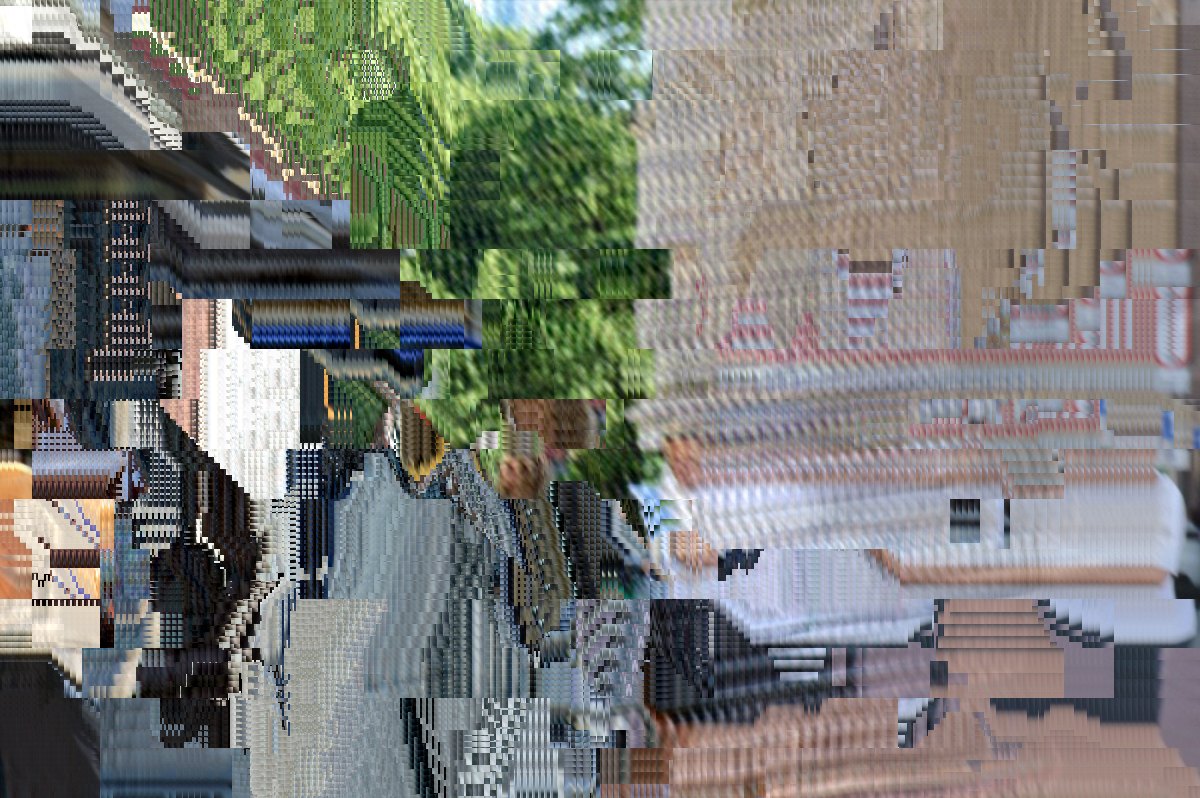 beforeafter
Free · no sign-up · runs in your browser — your photo is never uploaded.
This does it properly rather than faking the look. It estimates motion the way an encoder does, block by block, and then applies those vectors to the picture it is already holding. That is the same substitution that makes a real mosh, which is why it blooms and tears the way the music videos do instead of looking like a filter laid on top.
It runs on your own clip in your own browser. Nothing uploads, nothing is queued on a server, and you can turn the dials while it plays.
How to use it
- Open the tool and drop in a clip — MP4 or MOV from a phone, or press Shoot and record straight off the camera.
- Pick Datamosh Video from the Video tab of the contact sheet.
- Turn Bloom up to repeat the motion and open that flower of smeared pixels; turn Detail down towards 0 to let the picture dissolve, or up to let the shot fight its way back through the mush.
- Leave Refresh at never for a full melt, or set it to snap the picture back every so often, the way a stray keyframe does.
- Export an MP4 with the look baked in, or post it straight to Explore.
Tips
- It needs movement. A locked-off shot of a still room has no motion to borrow, so nothing smears — pan, walk, or let something cross the frame.
- The biggest melts come from a cut: two clips with different scenes, moshing across the join, is the move every music video uses.
- Big Blocks give the chunky, squared-off tearing of a badly compressed file; small blocks smear more finely.
- Stack it under VHS for degraded tape, or over chromatic aberration so the smears pull colour apart as they go.
- Working on a still instead? The photo datamosh fakes the same artefacts on a single frame.
Shot with Datamosh Video on Explore
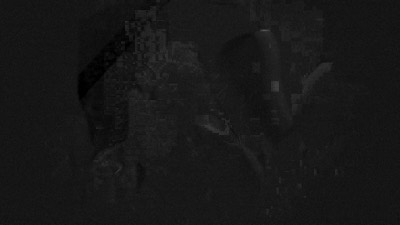

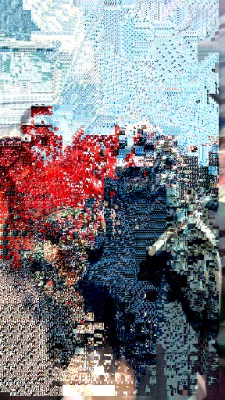
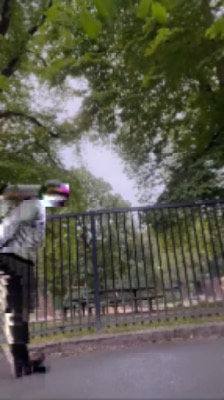
Cameras built on it — open one and it loads onto your own photo.
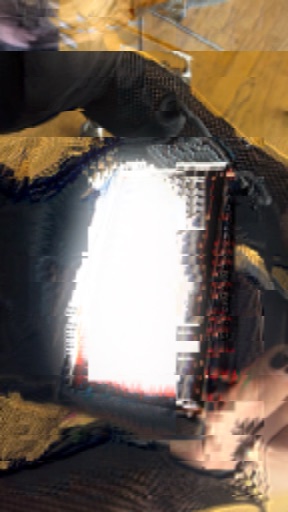 Perfect Mosh @AliCat · used 2×Datamosh Video @londonfishmarket · used 1×Datamosh Video @AliCat · used 1×
FAQ
How do you datamosh a video?
Traditionally you strip the I-frames out of an encoded file with a hex editor or a tool like Avidemux, so the decoder applies motion data to the wrong picture. This does the same thing live: it reads the motion between your frames and applies it to the frame it is already holding, which produces the same smearing without you touching the file.
Do I need After Effects or Premiere?
No. It runs in the browser on your own clip, with no plugin, no account and no upload. Everything is processed on your device.
Why is nothing smearing?
Datamoshing borrows the movement in the shot, so a clip where nothing moves has nothing to borrow. Try a clip with a camera move or a subject crossing the frame, and turn Bloom up.
Can I datamosh on a phone?
Yes — it runs in mobile Safari and Chrome, on a clip from your camera roll or straight off the camera.
What is the bloom effect in datamoshing?
Bloom is what happens when the same motion is applied several times over: the smear opens outward from the movement like a flower of pixels. The Bloom dial is how many times the motion is re-applied to each frame.