Film · a look in liminal.repair
Night vision effect for your photos, free
Night vision goggles amplify the little light there is onto a green phosphor screen — which is why every night-vision image is that one green, grainy, glowing, with a dark circular edge from the tube. The green is a choice: the human eye tells shades of green apart best.
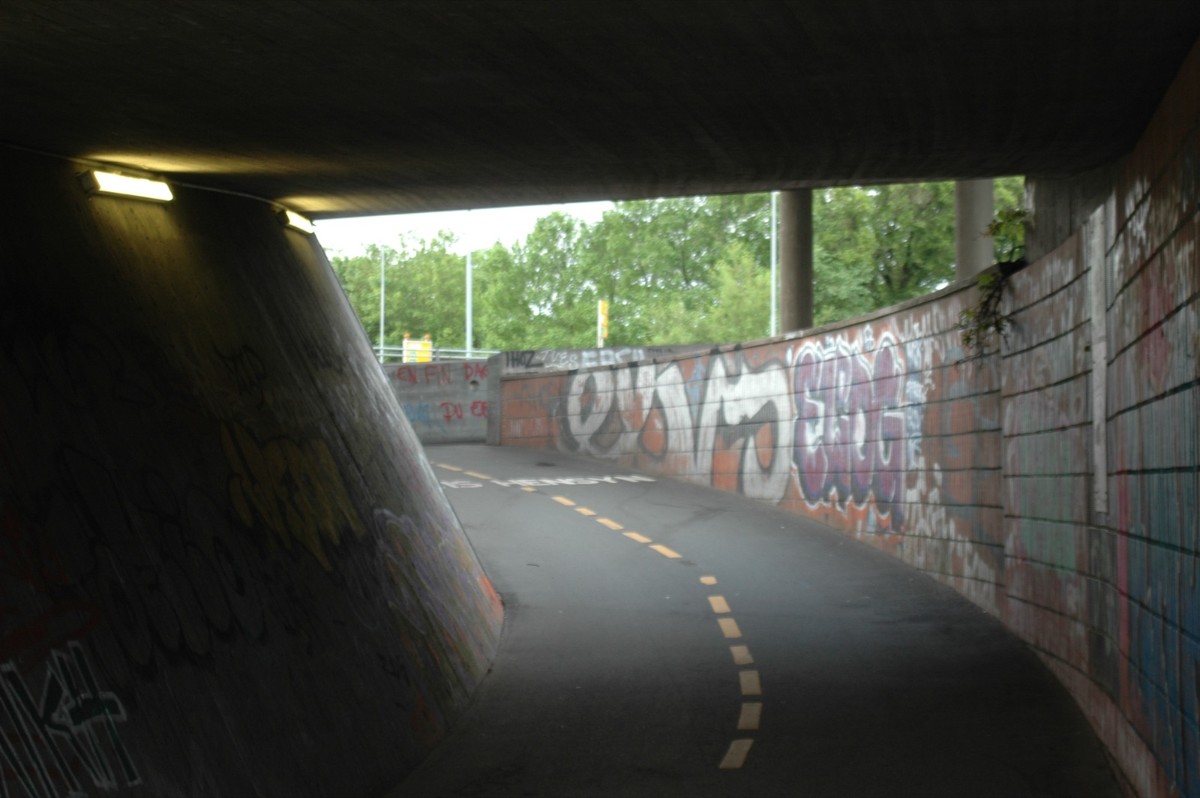
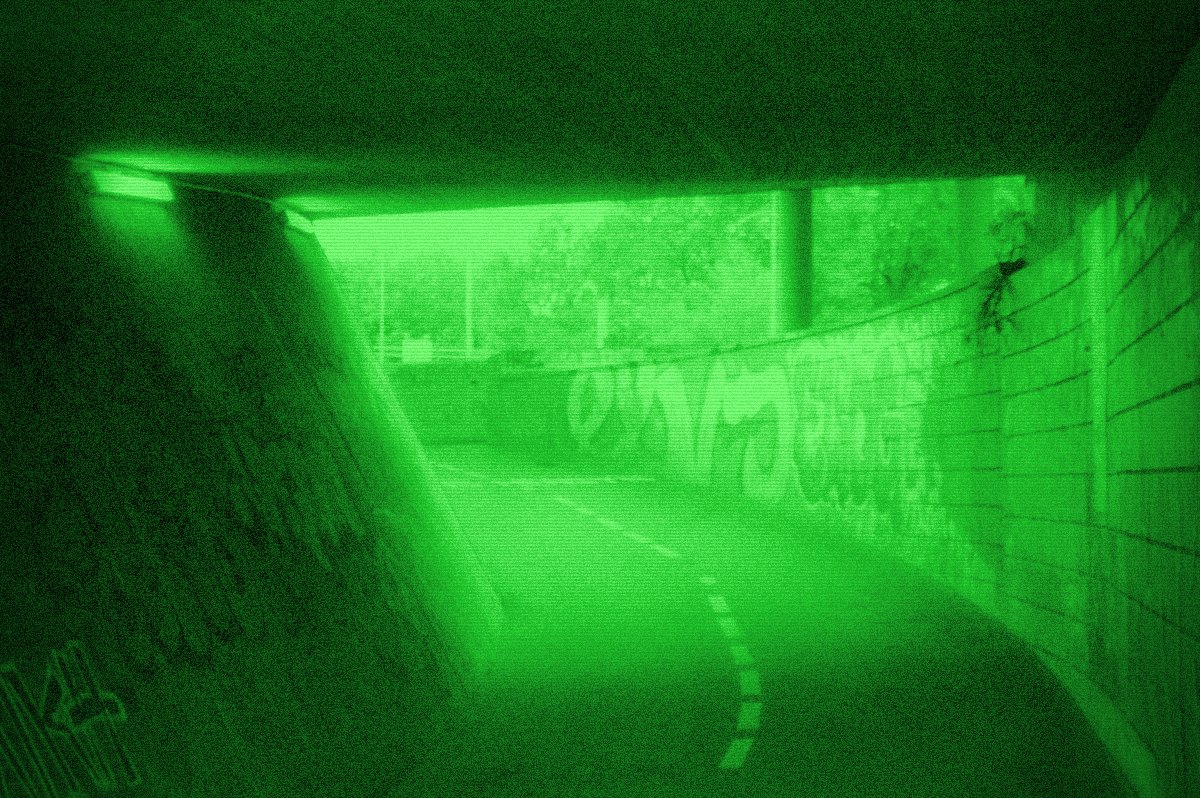 beforeafter
Free · no sign-up · runs in your browser — your photo is never uploaded.
The Night Vision look does the same to your photo: it collapses colour to the phosphor green, lifts the shadows, adds the tube's grain and glow, and darkens the corners.
How to use it
- Open the tool and drop in a photo — dark scenes, parties and street shots at night work best.
- Raise Gain to pull the shadows up like an amplifier would; more gain, more grain.
- Set Bloom for the phosphor glow around highlights, Noise for the shot noise, and Tube for the dark circular edge.
- Export full size.
Tips
Shot with Night Vision on Explore
Cameras built on it — open one and it loads onto your own photo.
FAQ
Why is night vision green?
The phosphor screens in image-intensifier tubes glow green, and the human eye distinguishes more shades of green than of any other colour, so the display is built around it.
Does it work on video?
Yes — load a clip and the effect plays live; export it as MP4.
Is it free?
Yes, no account needed, nothing is uploaded.