Print · a look in liminal.repair
Dither your photos online, free
Dithering fakes extra shades using a pattern of dots. Early computers could only show a couple of colours, so they alternated pixels in an ordered grid to trick the eye into seeing greys that the hardware could not actually display.
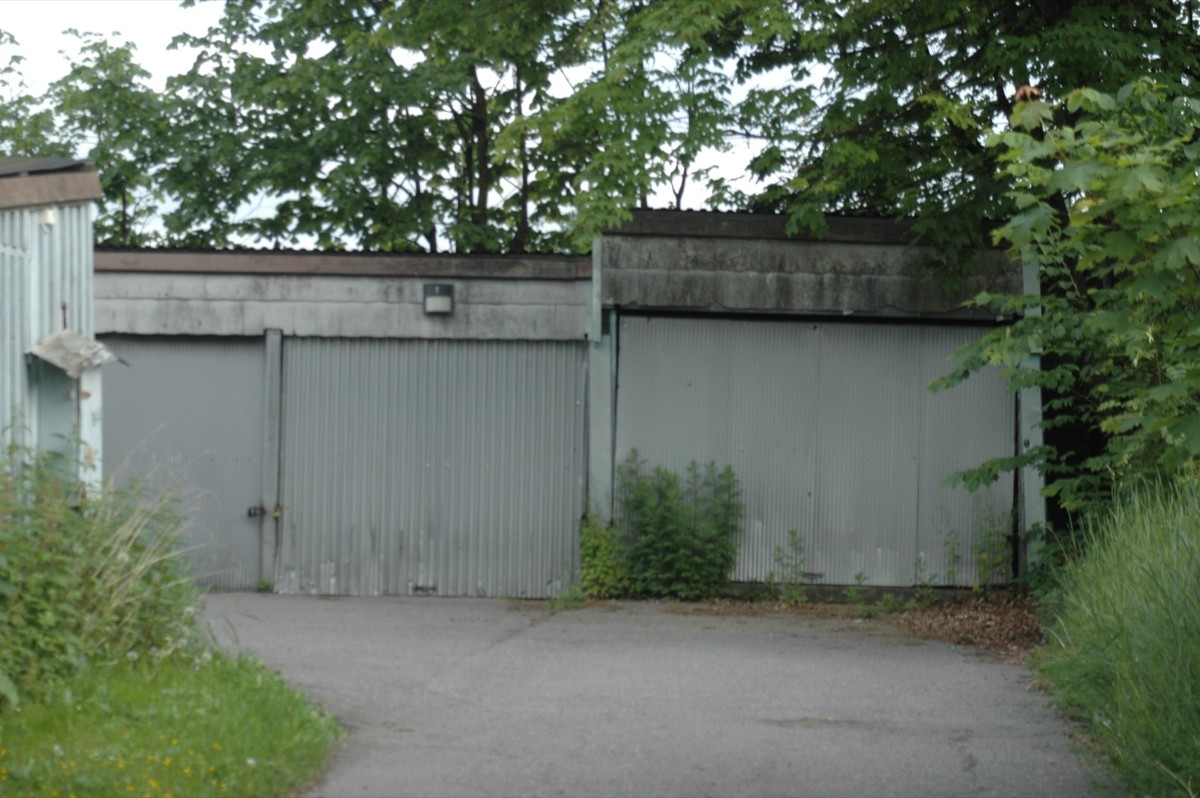
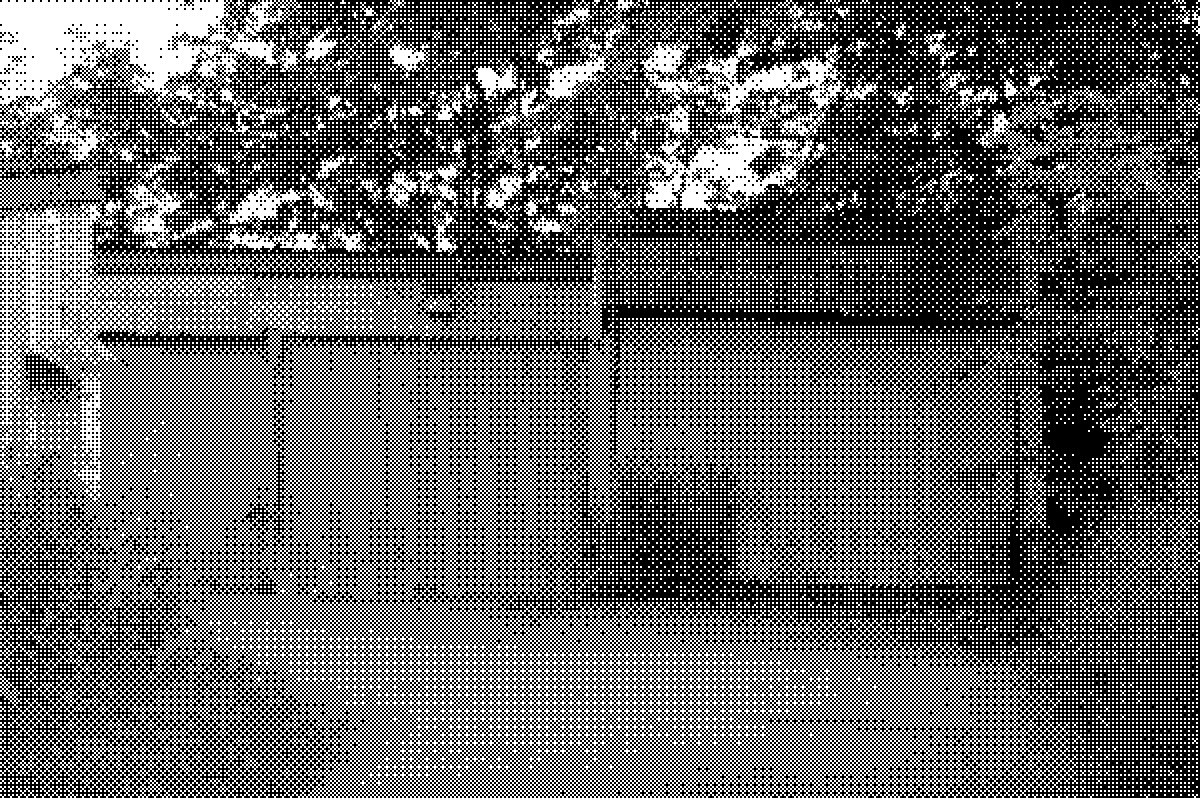 beforeafter
Free · no sign-up · runs in your browser — your photo is never uploaded.
This tool uses an ordered Bayer matrix to quantise your photo down to just a few levels at a chunky pixel size — producing the crisp, patterned look of 1-bit Macintosh art, Game Boy screens and early print halftones.
How to use it
- Open the dither tool and load a photo.
- Set Levels — 2 gives pure 1-bit black and white; higher values keep more tonal steps.
- Raise Pixel size to make the dithering chunkier and more retro.
- Export at full resolution.
Tips
- Simple, high-contrast compositions read best — dithering destroys fine detail by design.
- Level 2 with pixel size 3–4 is the classic 1-bit look.
- Try it over halftone or under pixel sort for mixed retro-glitch.
Shot with Dither on Explore
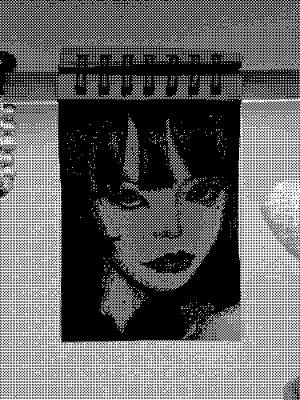
Cameras built on it — open one and it loads onto your own photo.
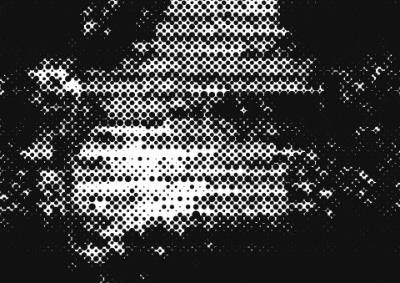 스티플링 @7BLAKEY · used 13×
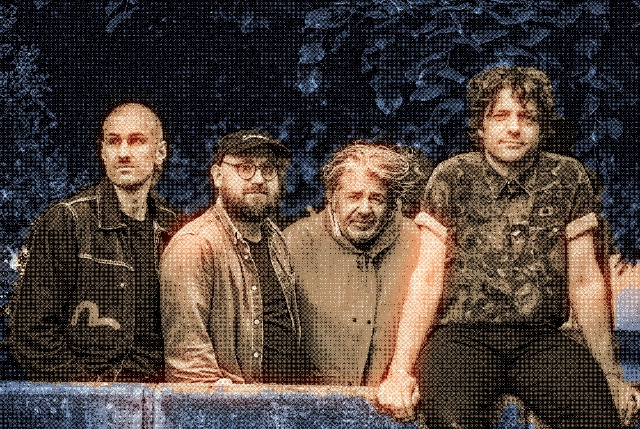 PatchGlow @Sarahbananaboy · used 13×
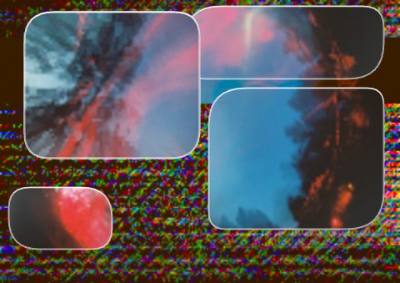 a @4gxxr · used 12×
FAQ
What is dithering?
Dithering simulates additional colours or shades by arranging pixels of the available colours in a pattern, so the eye blends them. It was essential on early 1-bit and limited-palette displays.
How do I make a photo look like a Game Boy screen?
Reduce it to a few levels with ordered dithering at a chunky pixel size. Set Levels to 2–4 and raise Pixel size in this tool.
Is it free?
Yes, free and private — processing happens in your browser with no upload.