Film · a look in liminal.repair
Give digital photos a film look, free
Film responds to light differently from a sensor: highlights roll off instead of clipping, colours shift in the shadows, and silver-halide grain gives an organic texture that digital noise never quite matches.
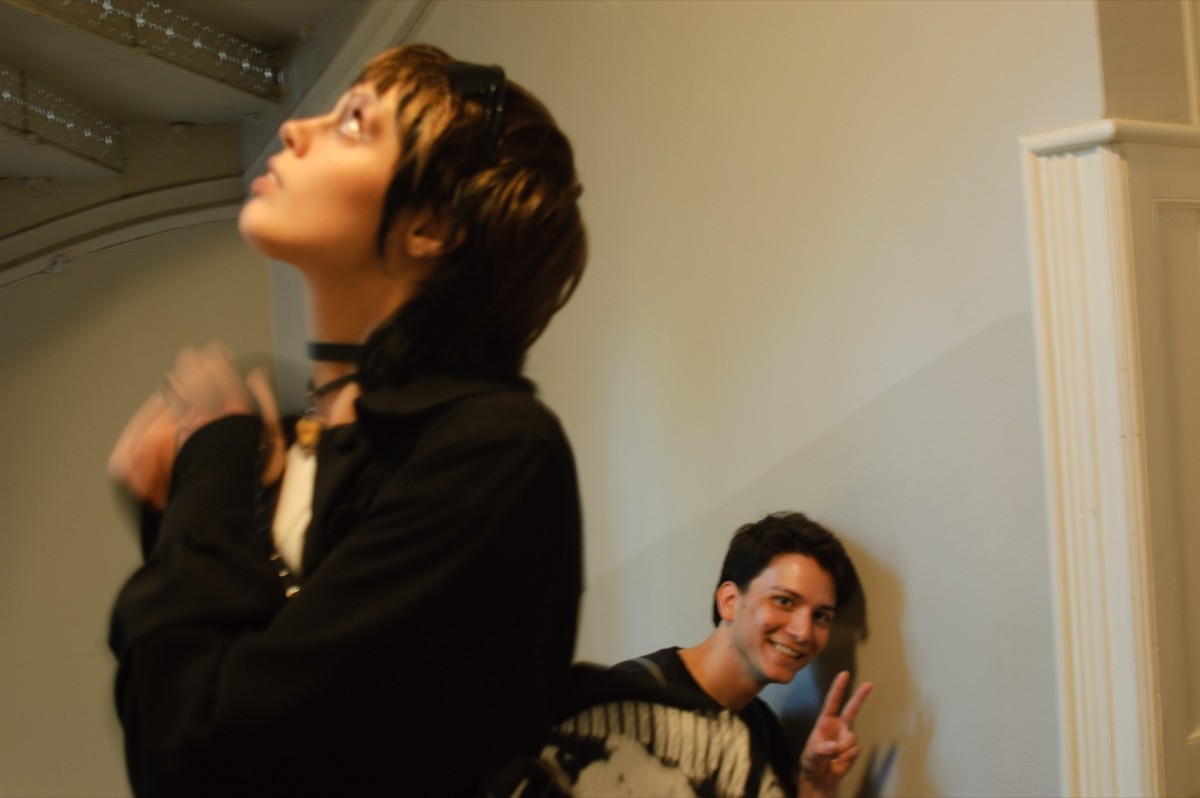
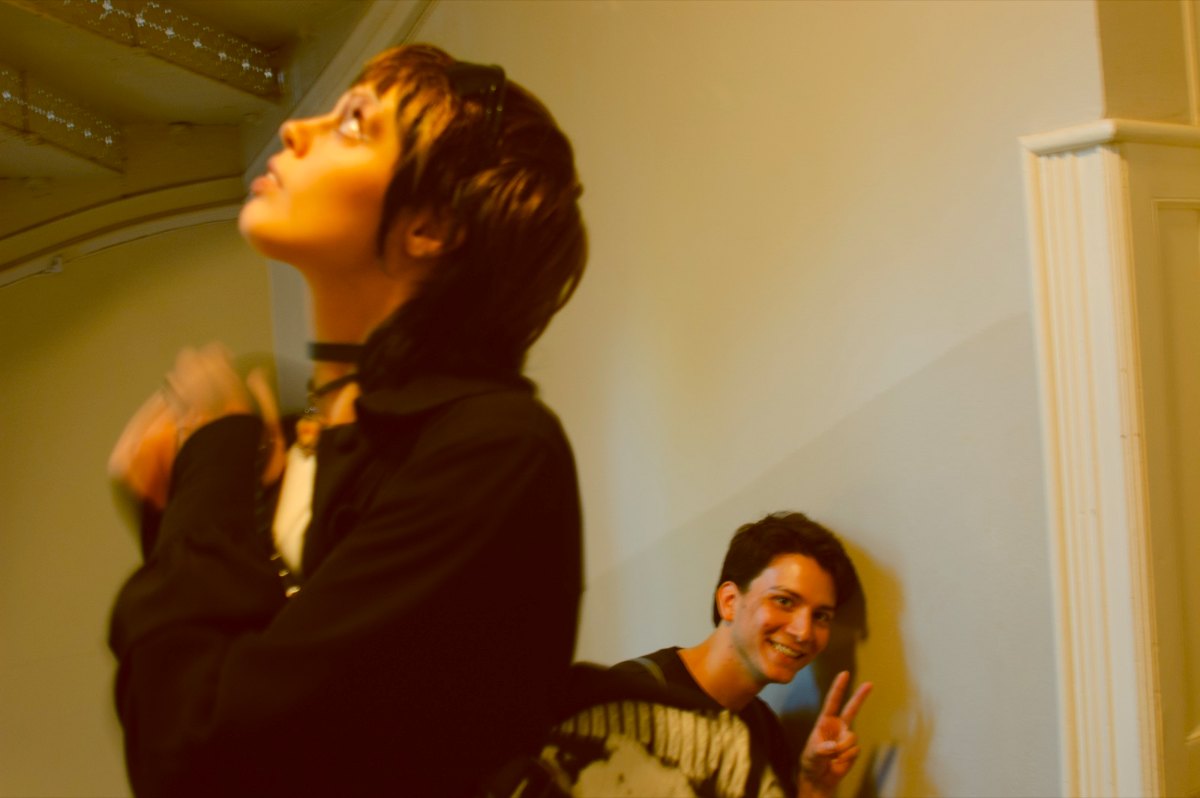 beforeafter
Free · no sign-up · runs in your browser — your photo is never uploaded.
This tool applies analog-inspired colour profiles with adjustable intensity and grain, so digital files pick up that softer, warmer character. The looks are inspired by classic stocks and are not affiliated with any film brand.
How to use it
- Open the film tool and load a photo.
- Choose a Film stock profile for the colour character you want.
- Set Intensity to blend the grade, and Grain for texture.
- Export at full resolution.
Tips
- Grain reads best at full resolution — zoom to 100% while adjusting.
- A little intensity goes a long way on already-warm images.
- Stack under halation for glowing highlights.
Shot with Film on Explore
Cameras built on it — open one and it loads onto your own photo.
 GlitchFilm @AliCat · used 191×
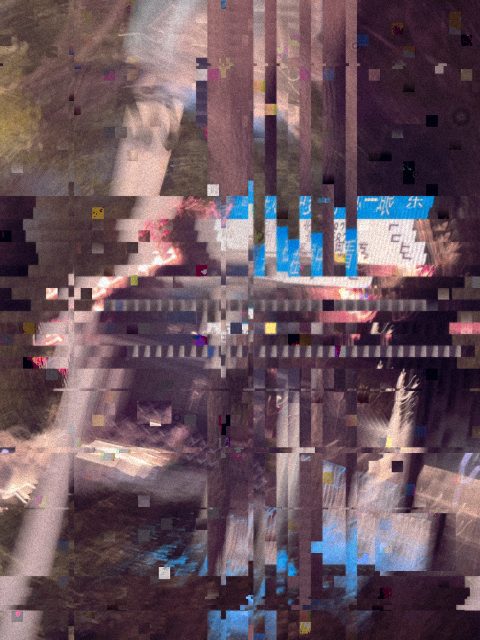 xxx @nxz · used 111×
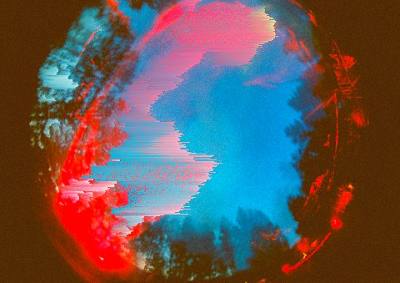 GlitchDvi @AliCat · used 104×
FAQ
How do I make digital photos look like film?
Apply a film-inspired colour grade, soften highlight roll-off, and add grain. This tool combines all three with adjustable sliders.
Are these real film stocks?
The looks are inspired by the character of classic stocks. They are original profiles and are not affiliated with or endorsed by any film manufacturer.