Print · a look in liminal.repair
Turn photos into halftone, free
Printing presses cannot lay down partial ink, so they simulate tone with dots of varying size — large dots for shadows, small for highlights. That is halftoning, and it gives newsprint, comics and risograph prints their unmistakable texture.
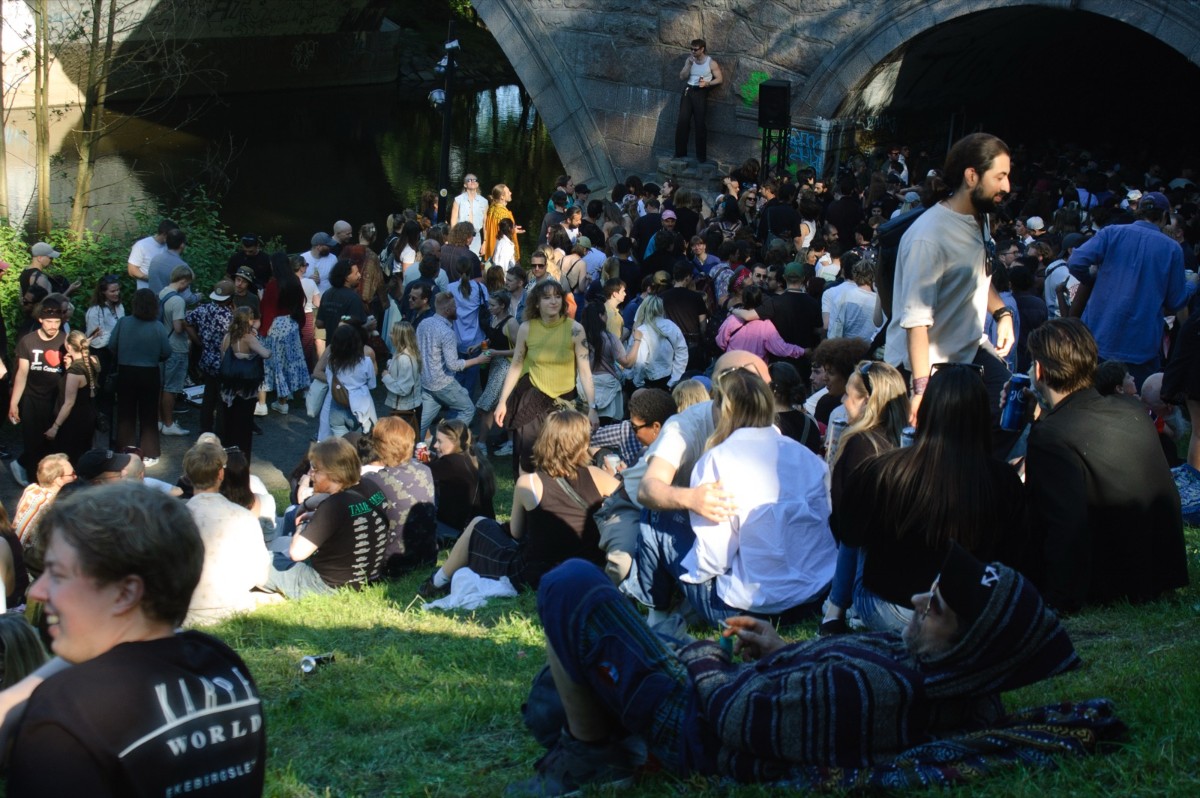
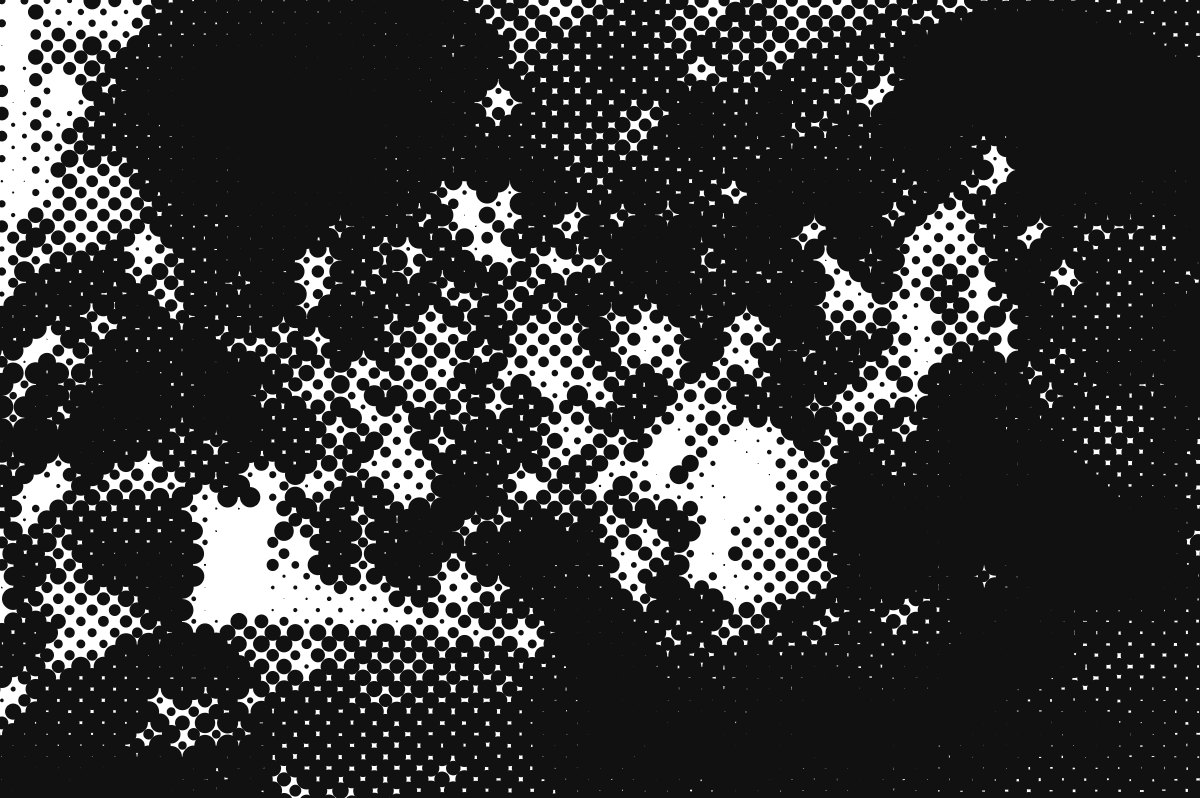 beforeafter
Free · no sign-up · runs in your browser — your photo is never uploaded.
This tool rebuilds your photo from that grid, with dot, line or circle cells and adjustable contrast, so you can go from subtle print texture to bold Ben-Day comic panels.
How to use it
- Open the halftone tool and load a photo.
- Pick a mode: Dot for classic print, Line for engraving, Circle for graphic rings.
- Set Cell size — smaller is finer and more photographic, larger is bolder and more graphic.
- Adjust Contrast so shadows fill in without crushing, then export.
Tips
- Portraits with clean lighting work best.
- Large cells plus high contrast gives a pop-art comic panel.
- Combine with dither for layered retro print texture.
Shot with Halftone on Explore
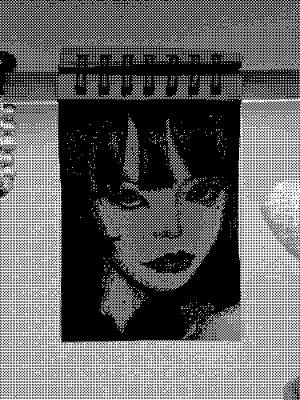
Cameras built on it — open one and it loads onto your own photo.
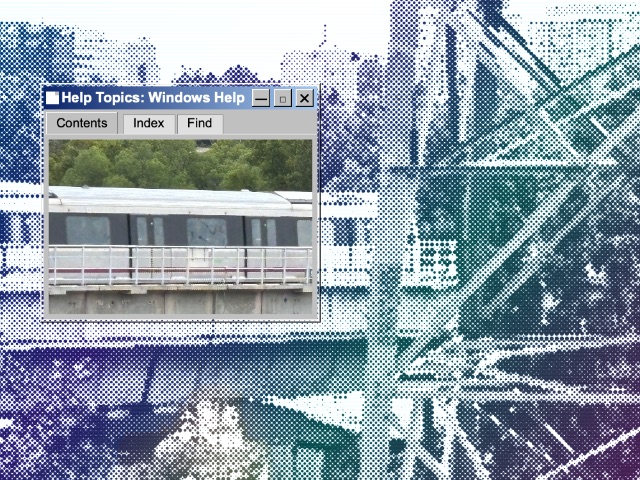 metroo @sad · used 303×
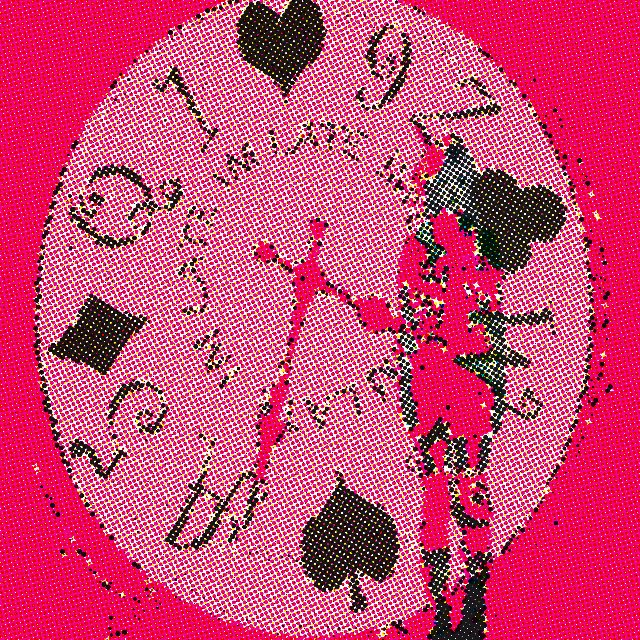 kjhgfdshjkl @kiye · used 146×
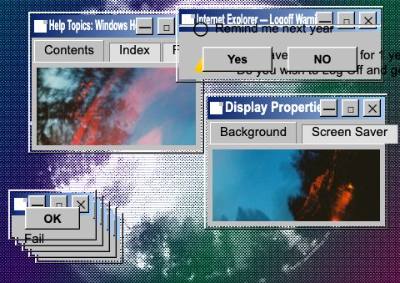 Tuba @Tuba · used 103×
FAQ
What is a halftone effect?
Halftone reproduces continuous tone using dots of varying size or spacing — the technique behind newspaper and comic book printing.
How do I make a photo look like a comic?
Apply a large-cell halftone with raised contrast. This tool has dot, line and circle modes with adjustable cell size.